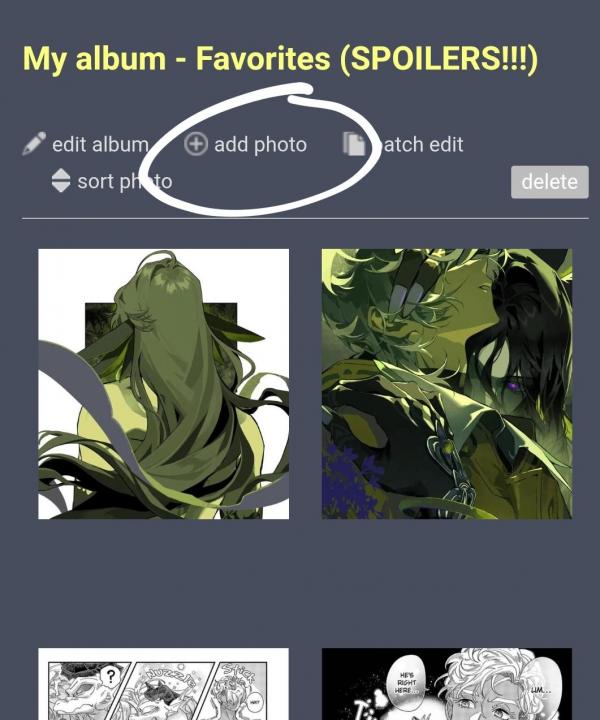
If you want to add pictures from your phone, you can go to your home page, scroll to albums, create an album or click on an already made album, and then hit the add photo button.
........................................
If you want to add pictures from something you're reading on mgg, go into the manga. Switch over to desktop version.
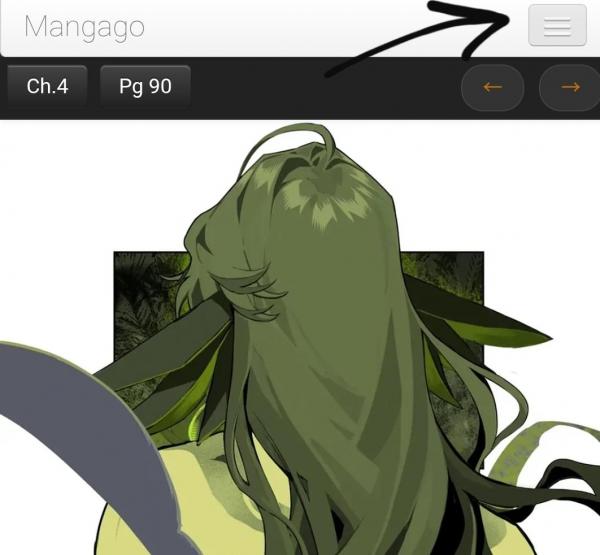
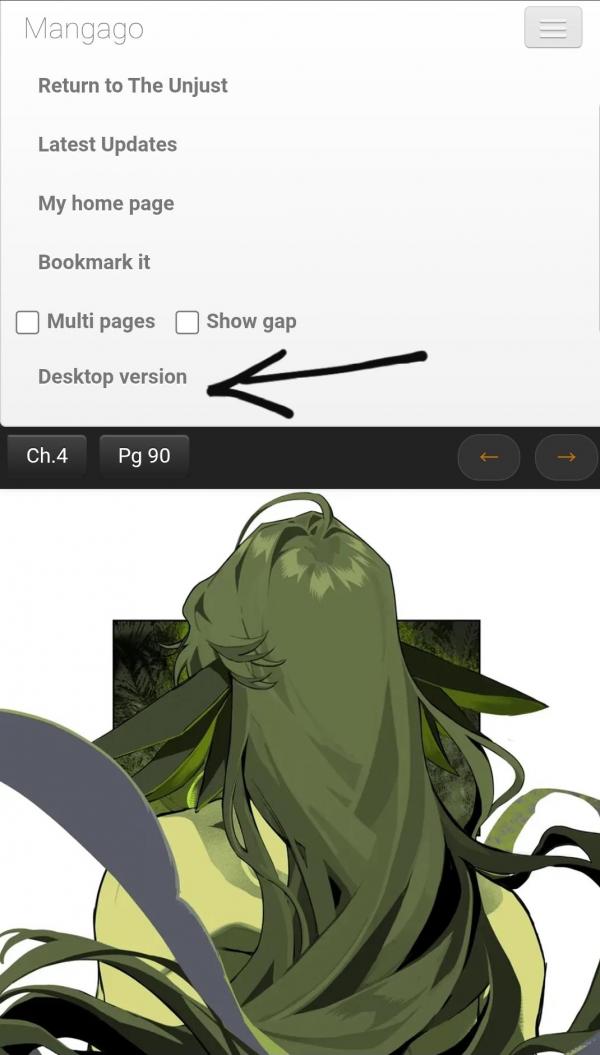
Now if you're in multipage mode, you can just click on any panel and you'll be asked if you want to add that panel to an album.
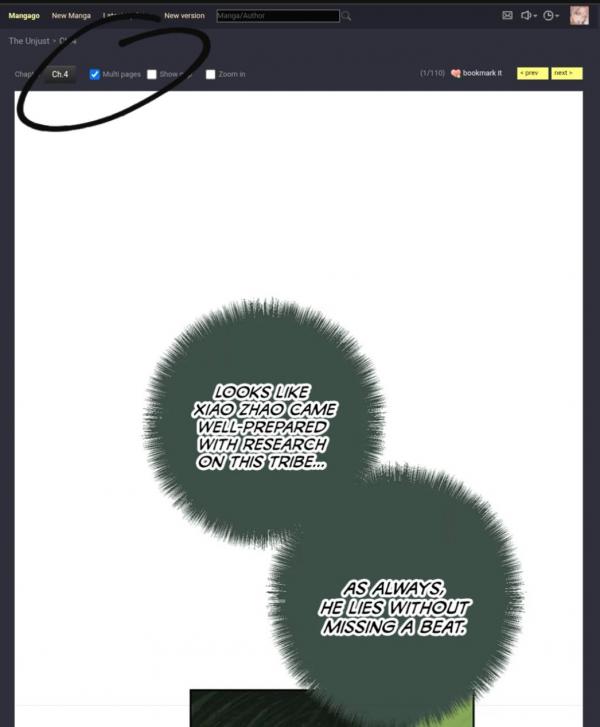
If you're in single page mode, there will be a button that you can click to add that page to your album.
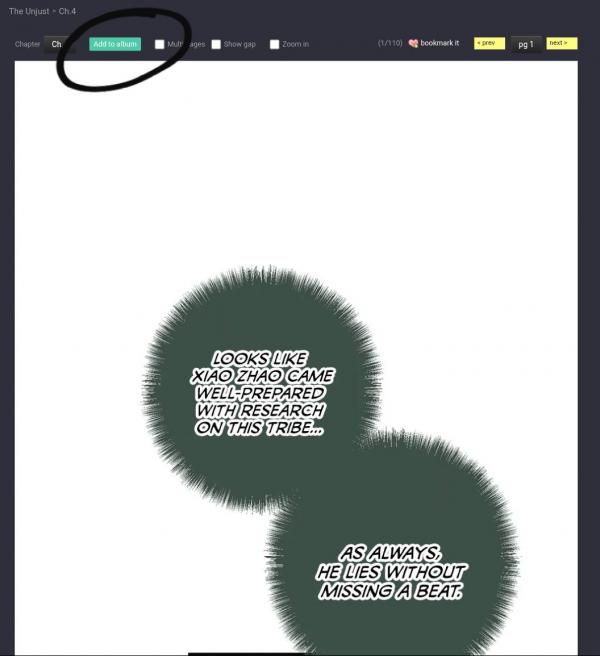
After selecting the panel/page you want to add to your album, you should get a popup that looks similar to this:
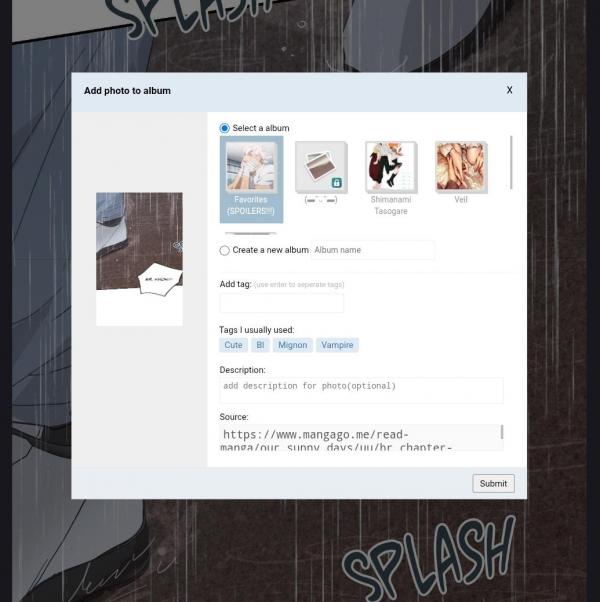
Select the album you want to add to or create a new album. Mgg will automatically link the source of the panel/page. I find this super useful for keeping track of my favourite moments. You can also add descriptions and tags.
After you're done, you can always go back to mobile version. There should be an option for mobile version up at the top.



Messages
LIVE SAVER (≧∀≦)